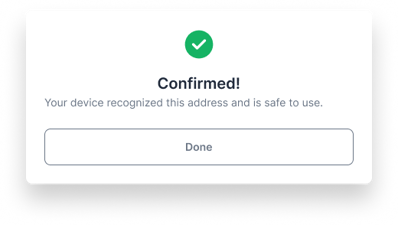
As discussed in this article, you can verify the legitimacy of any address shown to you by Unchained. This process proves that the address belongs to your vault and is controlled by your keys.
Note: You'll need to register your Coldcard before you're able to verify any addresses.
What you'll need
- Your Coldcard with its power source
- An active Unchained account with an active vault or loan
How to confirm an address on your Coldcard
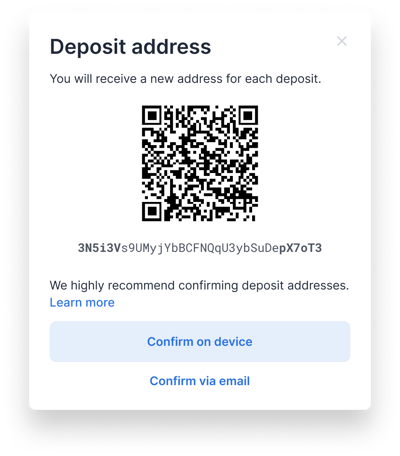
- Click the Confirm on device button on the deposit screen (or on a change address for an outgoing transaction).
- Select the name of the key you'll be using.
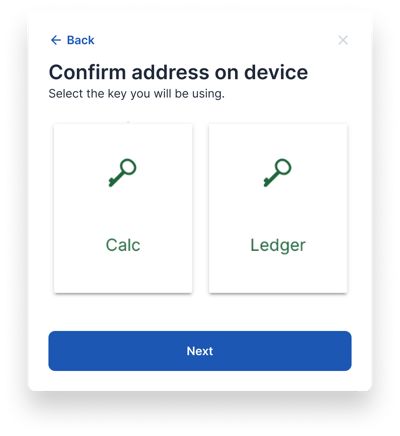
- Click Coldcard, then Next to view the instructions.
- On the Coldcard main menu, choose Address Explorer, and if prompted press the 4 button. Then scroll down to locate and select your wallet ID.
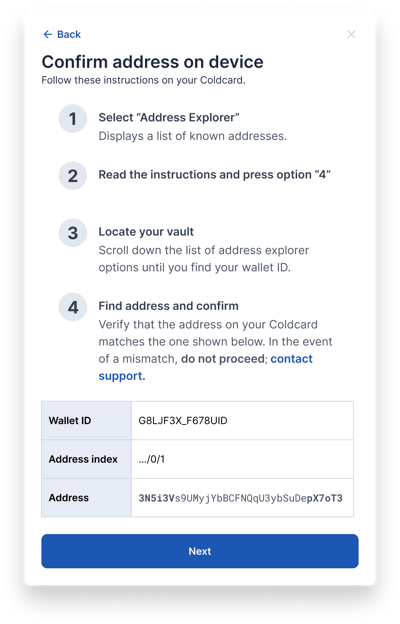
- You may need to scroll down a ways to find the correct address (refer to the address index number) or press "0" on your Coldcard to view the list of change addresses (indexes beginning with .../1/). Once you've found the appropriate address index, verify that the address matches the address shown on the Unchained website.
- That's it! You just used your hardware wallet to confirm your address.