As discussed in this article, you can verify the legitimacy of any deposit address shown to you by Unchained. This process proves that the address belongs to your vault and is controlled by your keys.
What you'll need
- Your Jade with its USB cable
- An active Unchained account with an active vault or loan
How to confirm an address on your Jade
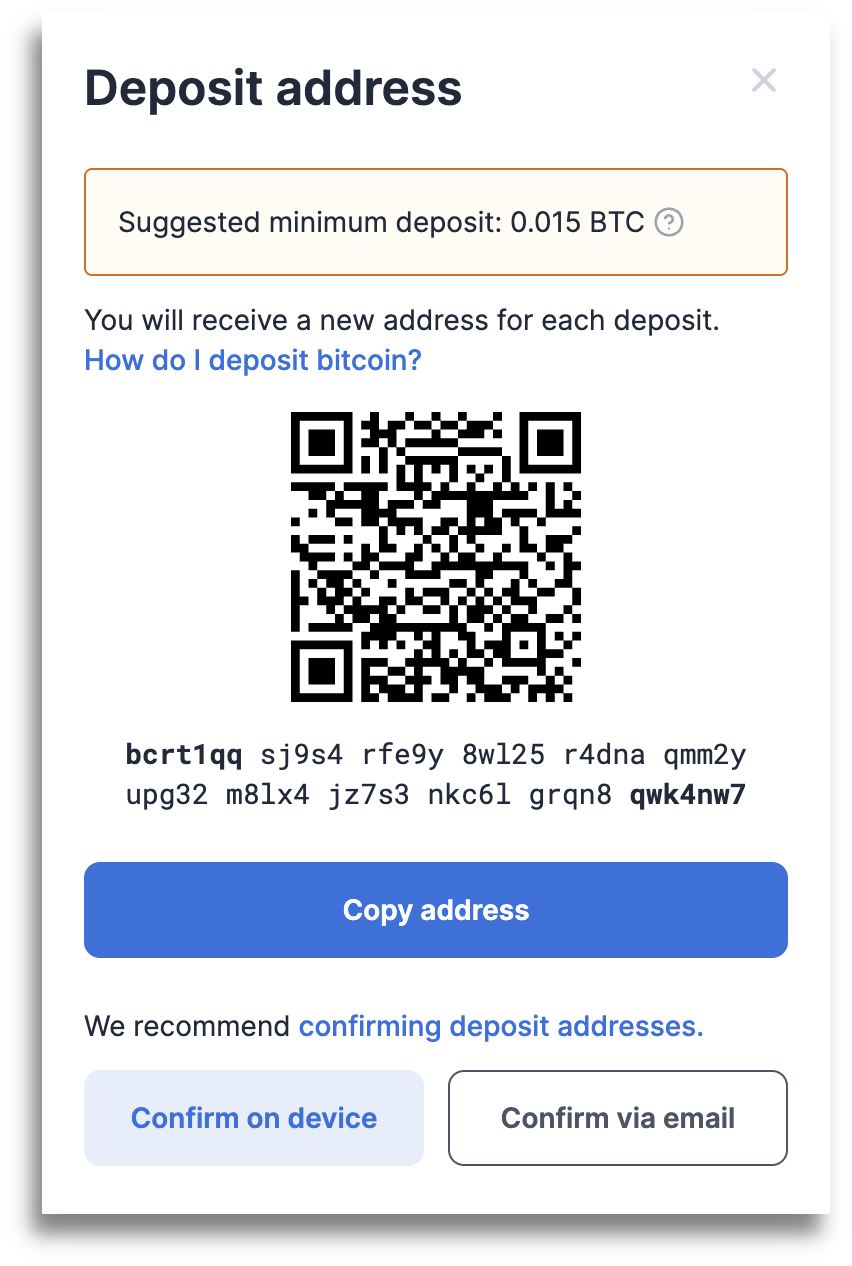
- Click the Confirm on device button on the deposit screen.
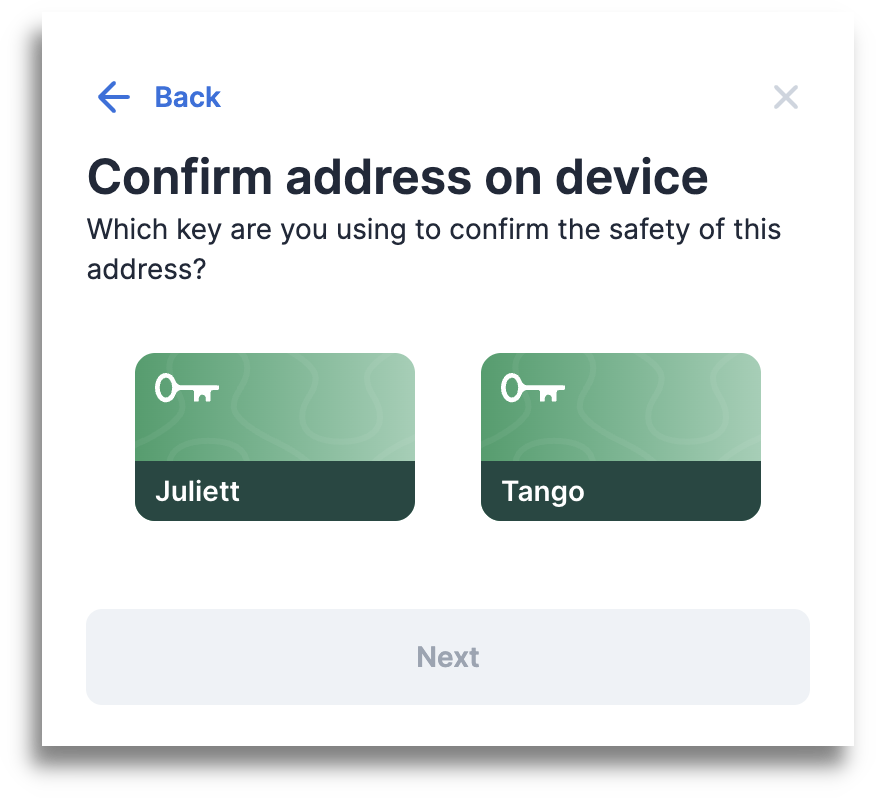
- Select the name of the key you'll be using and click Next.
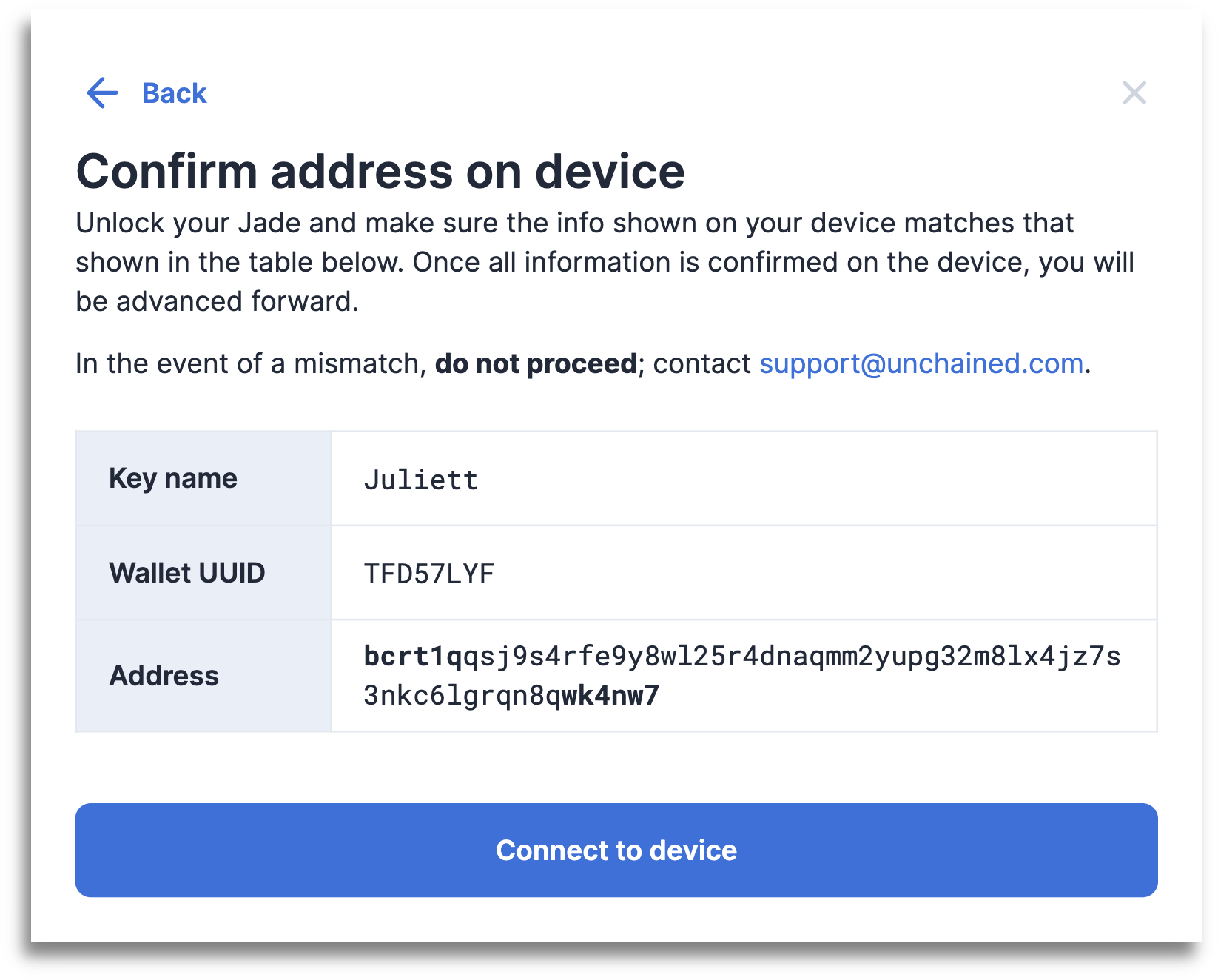
- Click Jade, then Next to read the instructions.
- Your Jade will display an address on its screen. Visually verify that it matches the address shown on the Unchained website.
- Continue on your Jade until you see the address and select the ✔️ to confirm.
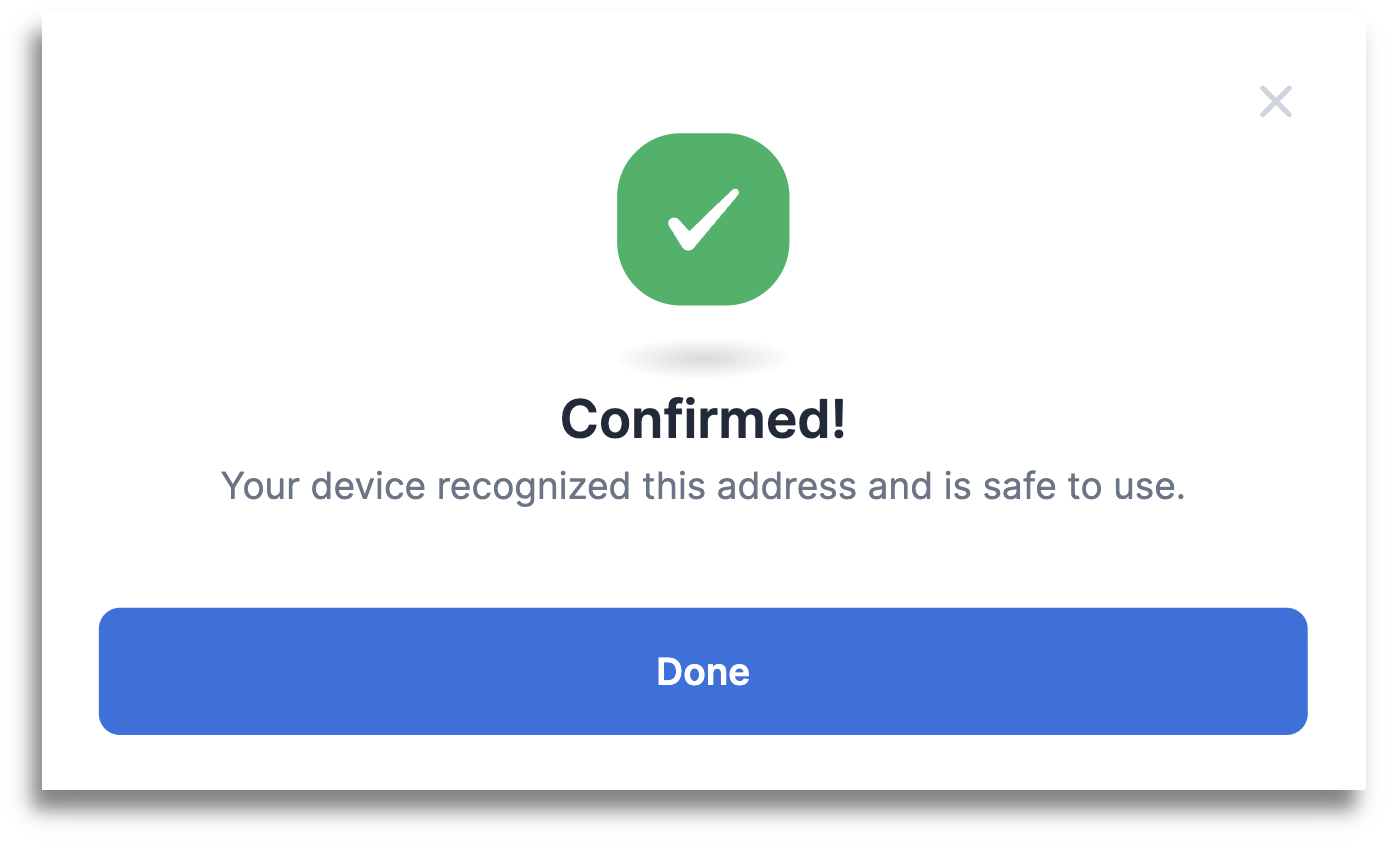
- That's it! You just used your hardware wallet to confirm your deposit address.