
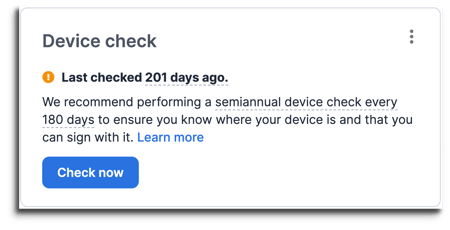
Device checks are regular check-ins to ensure the keys to your Unchained vault or loan are accessible and functioning.
How to perform a device check using your BitBox:
- Sign in to your Unchained account using a supported browser.
- Navigate to the Keys page to see a full list of keys.
- Select the key you want to check.
- Click Check now.
- Select BitBox and click Next.
- Plug in and tap the bottom of your BitBox.
- Select Connect to BitBox.
- Unlock your BitBox by entering your device password.
- Confirm exporting the xpub on the BitBox.
- Your Bitbox will warn you that the xpub derivation path is unusual. You can safely ignore the message and proceed confirm exporting the xpub on the device.
- Success! You’re done.